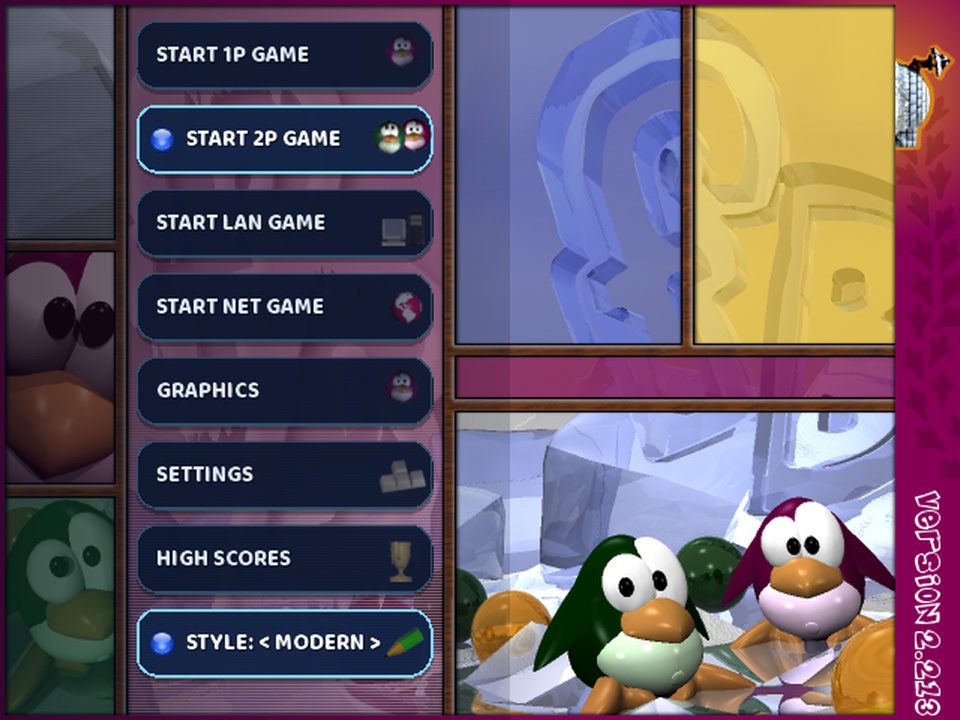
Frozen Bubble has more to it than the 100-level campaign. This page lists every way to play, alone or with others, and the settings that change how the game looks and feels. The rules themselves are on the how to play page.
All of these are in the 1-player menu, the first button on the title screen.
The classic campaign: the original game's 100 hand-made levels, from level 1. The early levels teach the basics with two or three colours; the later ones use all eight and are built around one or two shots that bring the whole board down. When you lose a life the game offers Continue, which retries the level you died on, or Start over, which goes back to level 1. Continuing lets you see the rest of the levels, but the run stops counting for the high score tables from that point. Only a campaign run started at level 1 can reach the online highscores.
Start any levelset at any level you have already reached. Useful for practising a level that keeps beating you without replaying the ones before it.
An endless series of freshly generated boards. There is no last level, so the only question is how far you get. It is the best way to learn to read a new layout quickly, since you never see the same board twice.
You play alone against the clock with attack bubbles on, and your score is made of the attacks you would have sent. It is good practice for online play, where the hurry timer is shorter and big drops matter more than individual pops.
Multiplayer rounds can be played on one computer by two to five players, or online with up to twenty. The host picks one of four modes:
| Mode | How a round is won |
|---|---|
| Classic | The original game. Your board loses when a bubble crosses the bottom line; the last player or team alive wins. |
| Clear | The first player to empty their own board wins. New rows and attacks are switched off, since nobody is being pushed down. |
| Race | The first to pop a target number of bubbles wins: anywhere from 10 to 200, 50 by default. Losing your board still knocks you out. |
| Timed | The most bubbles popped when time runs out wins: from 15 seconds to five minutes, 30 seconds by default. An exact tie at the top is a draw. |
Any mode can be played in teams of up to five sides. Teammates share a round win, attacks never hit your own team, and in Timed mode a team's pops are added together. The host also chooses how many round wins take the match, the attack setting (On, Blockable or Off), whether chain reactions are on, and, per player, the number of colours, how often new rows drop and whether the aim guide is shown. The multiplayer guide explains each of these.
Tournaments are a separate online format: single-elimination brackets for four to sixteen players, each match best of three, with one ruleset chosen by the organiser for every match.
Most settings are under CONTROLS & SETTINGS on the title screen; the 1-player options are in the 1-player menu itself.
Every player's keys can be changed, including Swap, and any gamepad button can be assigned. Mouse / touch aim lets you aim by pointing at the board and fire by clicking or lifting your finger. Controls can also be changed in the middle of a game from the in-game menu.
The game speed can be set from 1x to 5x. Higher speeds make bubbles fly faster and everything happen sooner, which is harder but also saves time on the long levels.
Sound effects and music can be switched separately from the in-game menu.
Online highscores in the 1-player menu decides whether your campaign runs are sent to the world board. Account code shows the code that keeps your scores together across devices. Both are described in the high scores FAQ.
Finished rounds are saved as replays, and the Replays page in CONTROLS & SETTINGS plays them back, deletes them, and exports or imports them so you can share a good game.